Dashboard
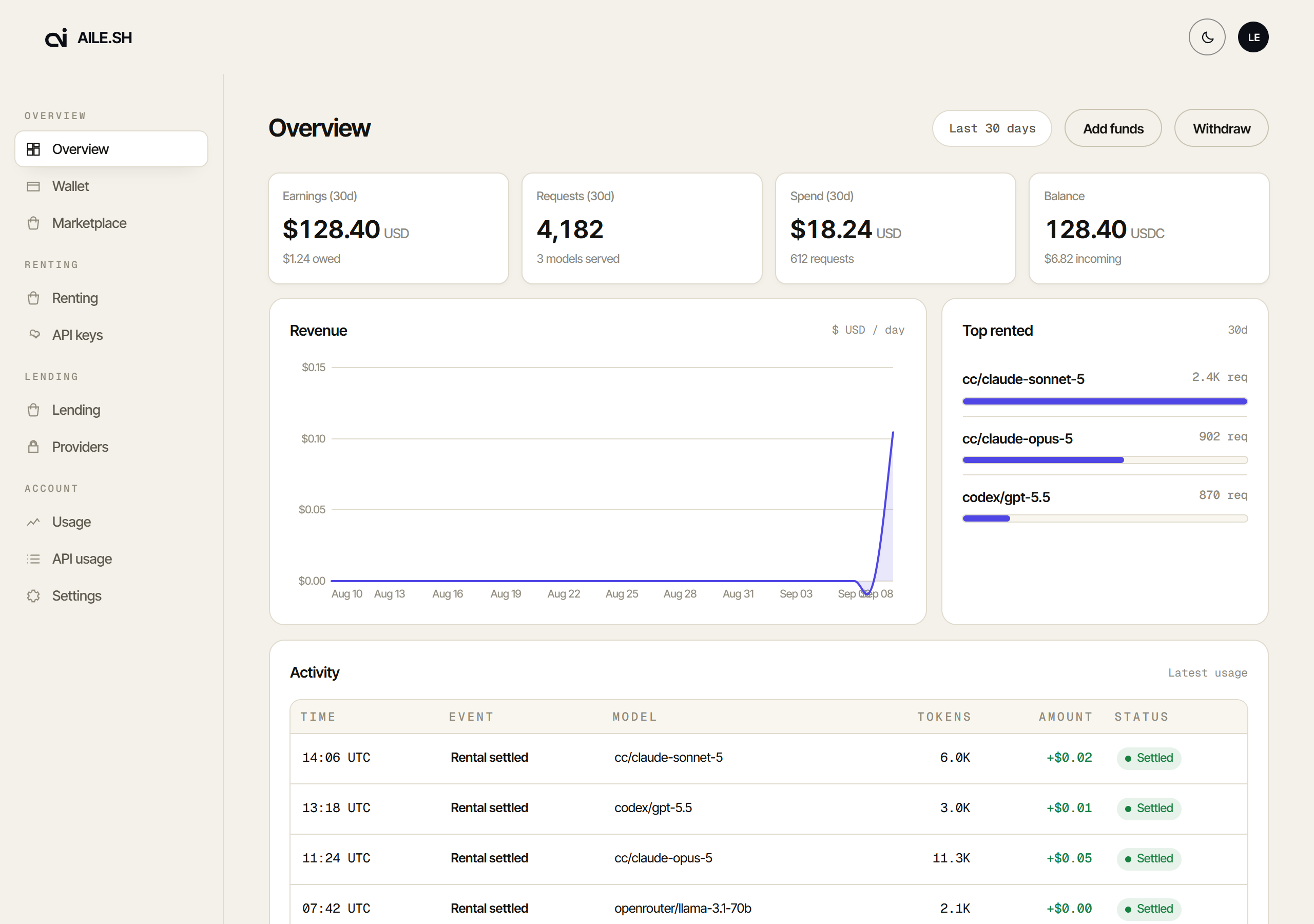
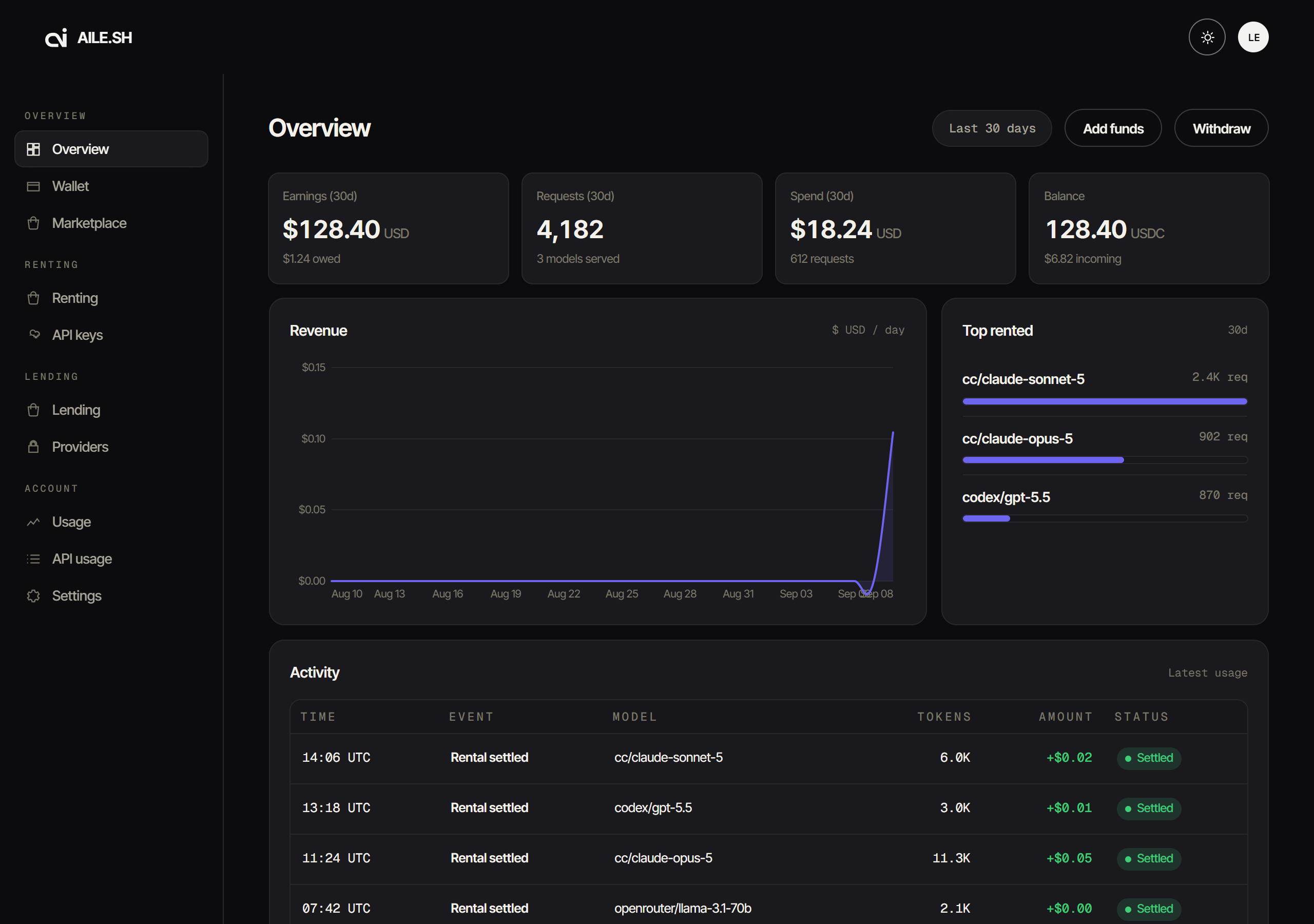
aile.sh/dash. One page, ten tabs, both sides of the marketplace.
The tabs
| Group | Tab | ?tab= | What it shows |
|---|---|---|---|
| Overview | Overview | overview | KPI row, revenue chart, top called models, recent activity |
| Overview | Wallet | wallet | Balance, deposits, withdrawal, who holds the key |
| Calling | Calling | renting | The calling side: what you are calling |
| Calling | API keys | keys | Create, limit, filter and revoke caller keys |
| Calling | Connect tools | tools | aile setup, and each coding tool set up by hand |
| Sharing | Sharing | lending | Live node and account state |
| Sharing | Providers | providers | Linked credentials and per-model pricing |
| Account | Usage | usage | Sharing earned and calling spent, together |
| Account | API usage | apiusage | Copy-paste examples with a key preselected |
| Account | Settings | settings | Account settings |
Every tab is deep-linkable. ?tab=keys opens straight to it, and switching tabs
writes the address back, so a tab can be bookmarked, shared, and reached with
Back. ?tab=pricing is an old link and lands on Providers.
Overview
The four cards read from the same window as the chart. Two are worth reading carefully:
- Earnings is your share of what you served, after the platform fee, with what is still awaiting payout underneath: earnings counted but not yet paid, because payouts batch.
- Balance is the USDC in your wallet, with what you owe for your own unsettled usage underneath (or the $AILE you hold, when you hold some).
Activity is the ledger, newest first: time, event, model, tokens, amount, status. Every row is counted from the ledger. The revenue chart counts served requests only; a failed or cancelled one earned nothing. A staker who opted in to share their window sees what callers paid for it as its own Stake resale series.
Where the deployment runs the stake-funded discount, a banner above the chart gives its percent off, how much usage it still covers where that is published, and when it refills, with a link to staking.
When an account of yours is off sale (benched, cooling, out of credits, egress down, or holding models that can't sell), a banner says which and why, with a button to open Providers.
Connect tools
The top card is one command, npx aile.sh setup (Node 20 or newer). It finds
Claude Code, Codex, opencode, Droid and more on the machine, opens this site to
approve a key, and sets each one up. Claude Code and Codex get their own
commands, claudeaile and codexaile, so your usual ones are untouched, and
npx aile.sh setup --remove undoes all of it.
Below it, each tool by hand, with $AILE_API_KEY where the key goes: the secret
is only ever shown once, when the key is created.
Sharing
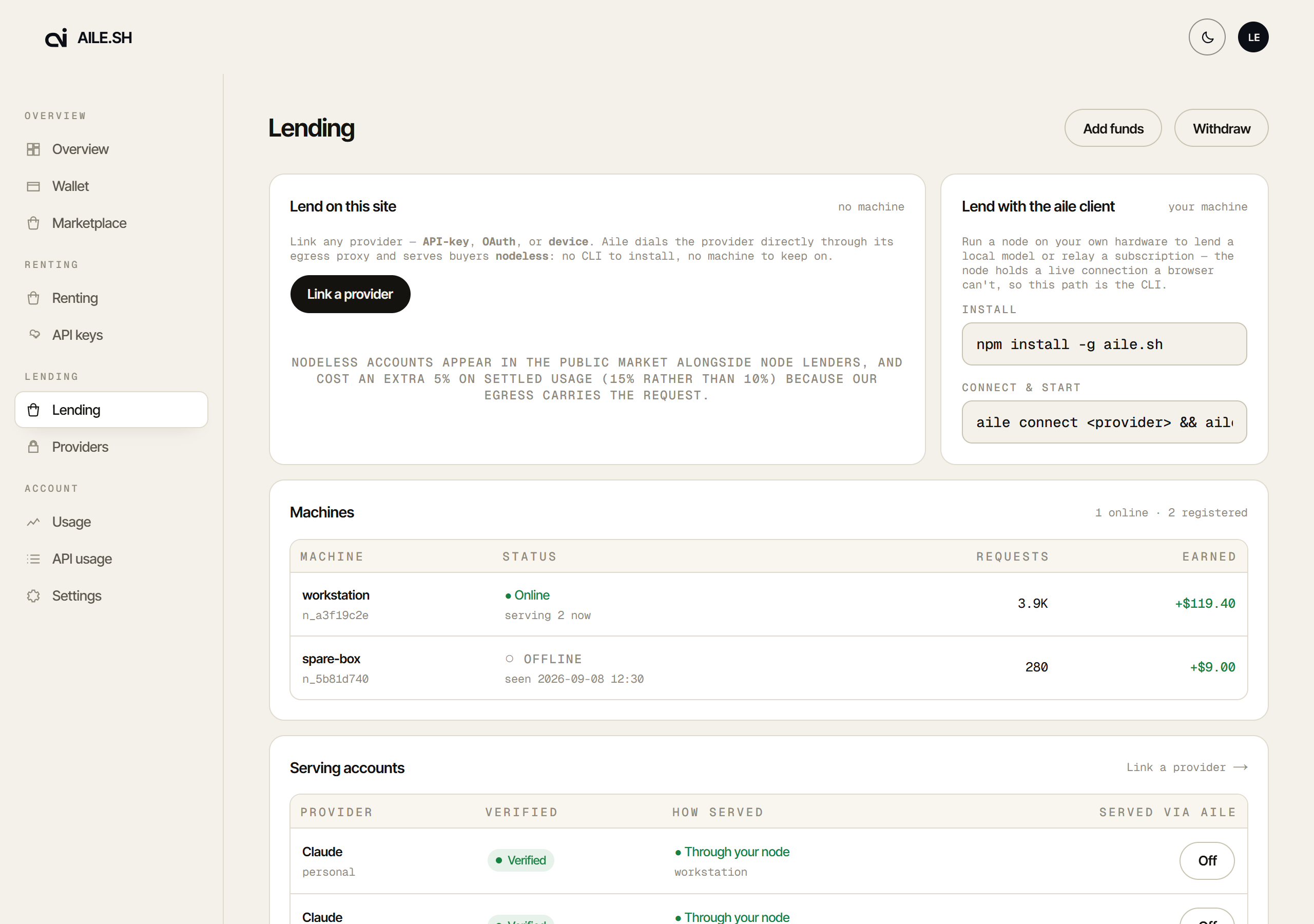
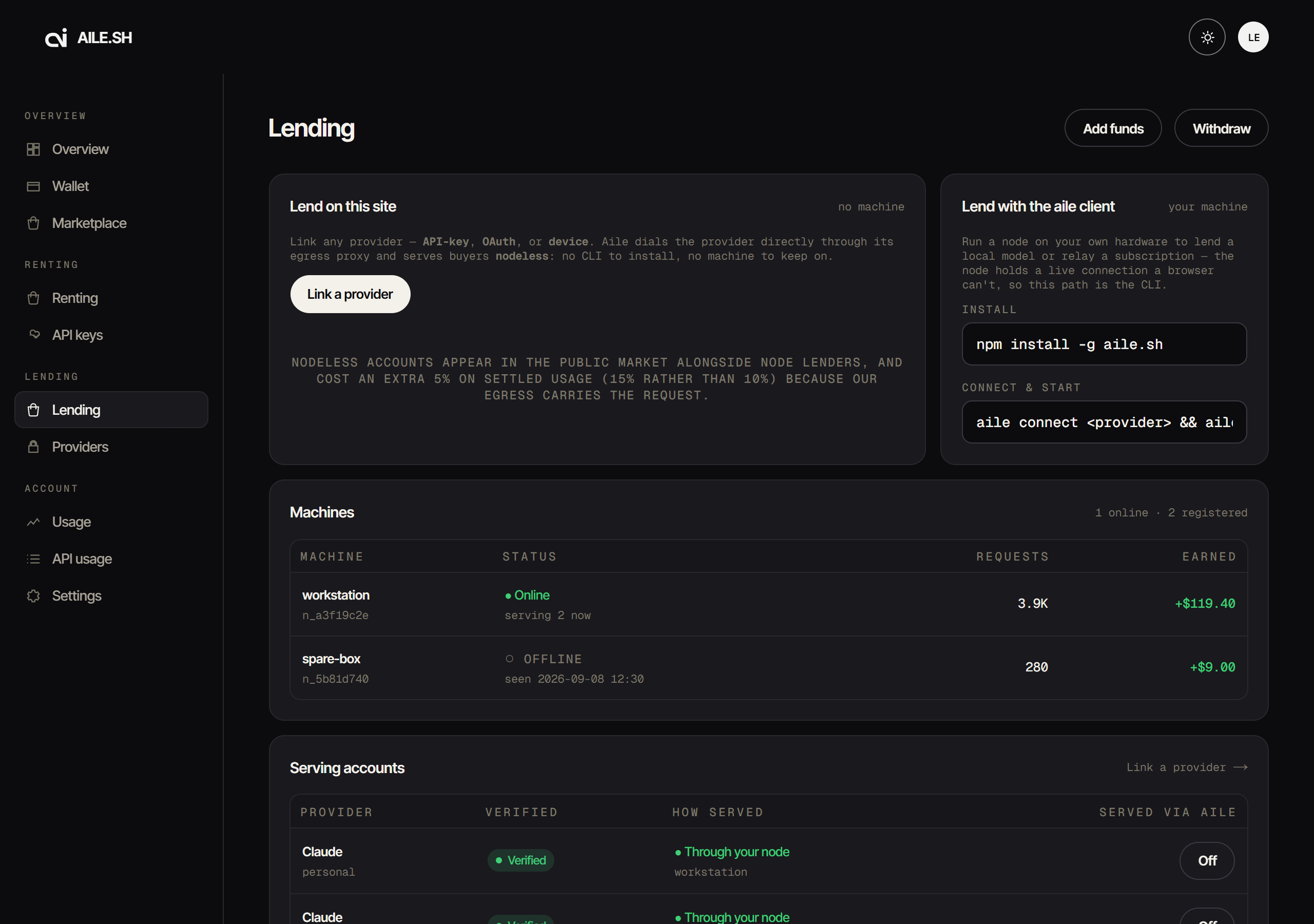
Your listings shows each model you list against the cheapest peer: your price, your rank among everyone listing it, your share of its last 7 days of requests, and why you were passed over. Asked for, not served lists models that 3 or more callers asked for in the last 7 days and nobody could serve. Both tables show ten models a page.
This tab polls while it is visible and the page has focus, because online/offline and "reachable via" change the moment a machine connects or drops or a nodeless flag flips. A once-on-open fetch would go stale exactly when a sharer is watching to confirm a change took. It stops polling when the tab is hidden.
The same view from the CLI:
1aile status # is THIS machine working?2aile stats # which of my machines is carrying traffic?3aile capacity # everything this machine shares, by kind
Usage
Two tables, Sharing: earned and Calling: spent, one row per request. Beside
tokens and amount, each row shows First token (time to the first token; hover for
the total), Finish (stop, length, tool call, filtered, error, empty or cut off) and
Cache (prompt tokens read from the provider's cache). A dash means none was
recorded. On the calling side, hover
the time to see the request's id, which GET /v1/generation looks up. Above them, a Spend by key,
tag or app card groups the last 30 days (see API keys).
Which tab do I want?
- Minting a key to send requests → API keys
- Pointing Claude Code, Codex or another tool at Aile → Connect tools
- Adding money, or taking it out → Wallet
- Linking a provider account, or setting prices → Providers
- Checking a node is online → Sharing
- Reconciling a bill → Usage
What the dashboard cannot do
Run a node. That is aile start on the machine itself; see
Run the node.
Show you someone else's account. The admin console is a separate surface at a secret path, gated at the edge, and is not part of the sharer dashboard.